
SCHOLASTIC
Family Messaging Center
ROLE Digital Product Designer
TOOLS Adobe CS, Sketch, Figma
Context Scholastic Book Clubs wanted to find a way of helping teachers send information to parents without having to go through the registration process of the Scholastic Book Clubs site. Teachers would be able to share digital flyers, letters to families in several languages, how-to videos and fun animated GIFs.

The Challenge
Create an experience that would live outside the “wall” of Scholastic Book Clubs for quick and easy to access to messaging assets
such as digital flyers, animated gifs and family letters in other languages.
Constaints
1. The landing page would make it quick and easy to use on mobile since that has been a pain point with teachers during user interviews.
2. The microsite needed to be updated once a month as new flyers came in.
3. Must be able to display the Family letters for easy communication.
4. Must be able to share on Twitter and Facebook as well as copy to paste on email and other applications such as ClassDojo.
My Role
-
Led digital product design from ideation through launch
-
Developed initial user journey maps informed by teacher pain points and stakeholder business goals
-
Collaborated closely with account management to align user needs with product strategy
-
Created and presented low-fidelity wireframes and high-fidelity designs
-
Partnered with developers for design handoff, asset delivery, and implementation support
-
Conducted design QA to ensure fidelity and quality through development


Research &
User Journey
During Scholastic's teacher advisor panel, one thing that stuck out at the time the Scholastic Book Clubs login wall prevented quick access for both parents and teachers alike.
Teachers stated wanting to be able to order books online easily from their phones. And they also said communication tools like Classdojo, email, or their classroom Facebook pages are where they speak the most to parents about when book orders come in.

Wireframes
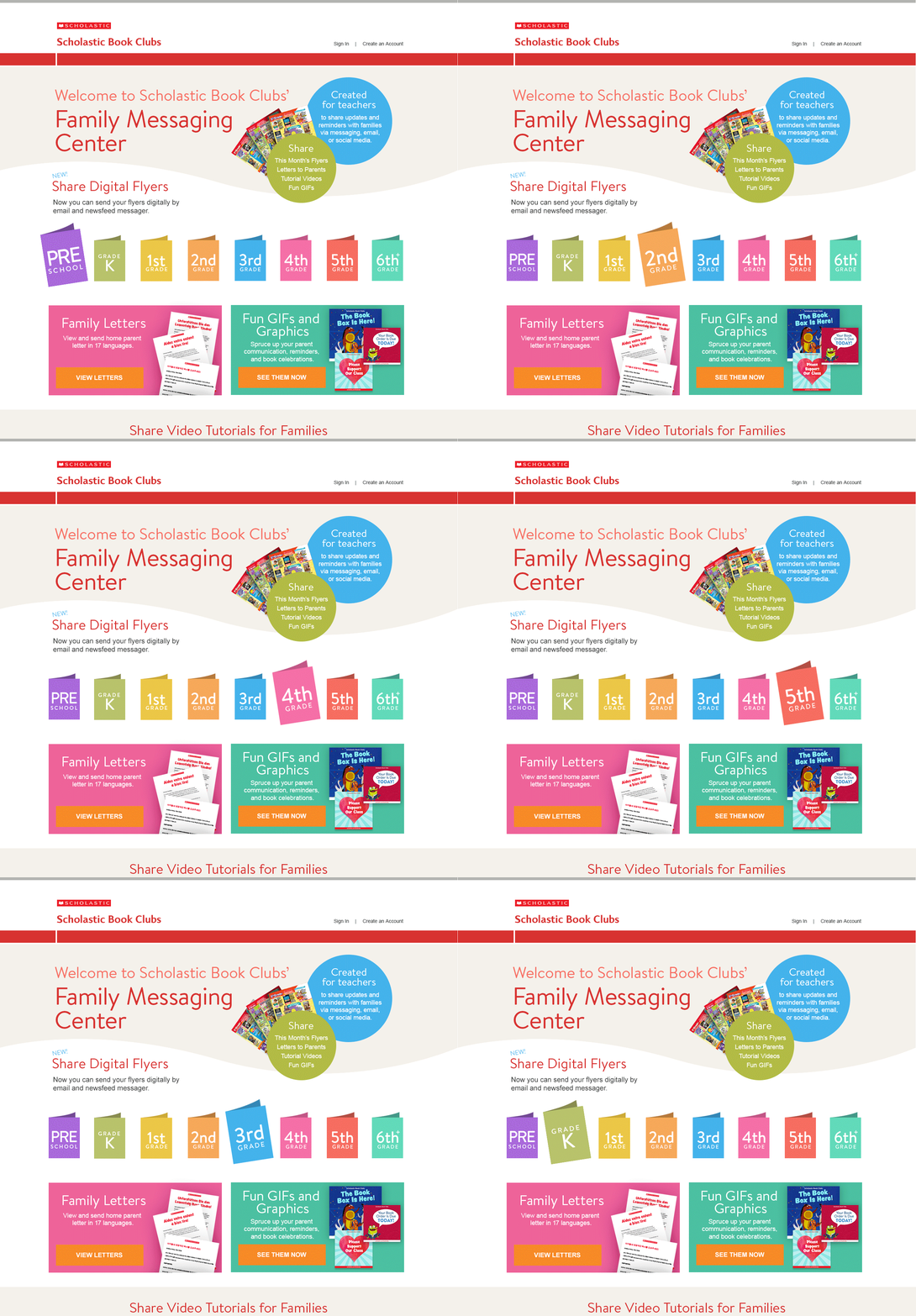
Based on all the information from teachers and Scholastic's own metrics, I designed use flow wireframes to meet all needs.
Since a big drive for creating the new landing page was for ease of use on mobile screens, I created the wireframes on mobile size first.


Designs


User Testing
During testing with our users, mostly all positive feedback. One friction point was the original title of the microsite.
Also users wanted to not just share GIFs and letters but download still images as well. They brought up that they also have classroom Instagram profiles.
"
I LOVE this. Very easy to use.
I would liketo download GIFs
as still images. I don't understand
what "Sharables" means.
"
Key Features

18% more letters reached ESL families
The success was measure by the amount of family letters that were downloaded as that was tracked in our system. Notably,
we had letters in languages other than English being downloaded at 18%, including languages such as Spanish, French and Mandarin.
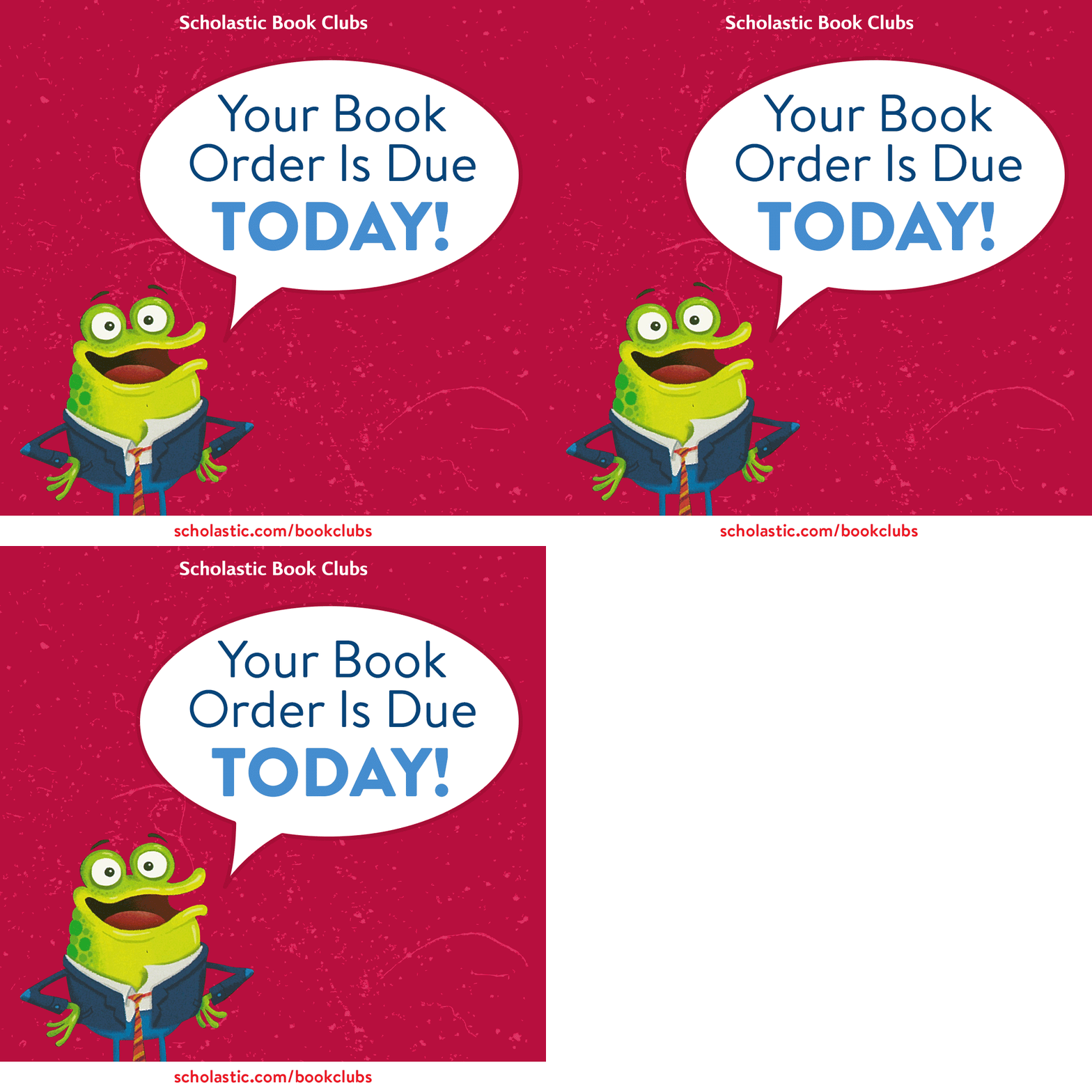
Animated GIFs using illustrations from Scholastic's Library were a major highlight.
Teachers could also post still images on their emails/social media.
Result
Our main stakeholder (head of the department at Scholastic Book Clubs) really loved the idea and teachers really appreciated the portal! Having access to family letters in many different languages helped the goal of reaching all families in the classroom with the most used languages being English, Spanish, Tagalong, and Chinese. The site was tested and reviewed by teachers of all ages, various backgrounds, and different levels of technological savviness. Most teachers used the animated Gifs in emails and images Class Dojo and Instagram.
